Self-hosted models overview
Self-hosted models let your tenant deploy and operate a model behind an OpenAI-compatible endpoint — the four values below carry you through the workflow.
The mental model
Section titled “The mental model”| Term | What it means | Where you use it |
|---|---|---|
| Self-hosted models | The Console area for deploying and operating models, under Inference → Self-hosted Models | Navigation and documentation |
| Model | The resource you deploy: one model source bound to compute and serving configuration | Status, Edit, Stop, Restart, and Delete actions |
| Endpoint | The tenant-level callable address shown on model detail pages | The client’s base_url after appending /v1 |
| Served Model Name | The exact name that model exposes to clients | The request body’s model field |
An endpoint is an address, not the model itself. Multiple models in one tenant can show the same endpoint; the request’s model value routes to a Served Model Name. Seeing the tenant endpoint on a model that is stopped or still provisioning does not, by itself, tell you whether the Served Model Name is callable: another ready model using the same name may still serve it.
Platform models or self-hosted models?
Section titled “Platform models or self-hosted models?”| Platform models | Self-hosted models | |
|---|---|---|
| Who operates the model | OneNexus | Your tenant through the Console |
| Workspace and GPU quota | Not required to make a call | Required to deploy and run a model |
| Recommended API key | Platform | Inference authorizing the selected model’s Served Model Name; a Platform key cannot call tenant models |
| Address | Shared catalog endpoint | Tenant endpoint shown on the model detail page |
Request model | Exact model value from the expanded row’s cURL request | Served Model Name |
Use the Platform quickstart when you only need a first hosted-model response. Continue here when you need to self-host a public Hugging Face model or a finalized model version from your registry.
Prerequisites
Section titled “Prerequisites”Before you open Deploy model, confirm the following:
- You can sign in to the OneNexus Console and select your tenant.
- The header shows the region where you want to deploy. Workspace and GPU quota are region-scoped.
- The tenant has a workspace. If Inference → Self-hosted Models shows Set up your workspace, create it before continuing.
- Quotas shows an Inference GPU allocation in the selected region. Without it, GPU-backed actions such as Deploy, Edit, Stop, and Restart are read-only; Delete remains available so existing capacity can be released.
- You have one supported source:
- a public Hugging Face repository in
owner/nameform; or - a finalized, servable model version under Models.
- a public Hugging Face repository in
- Your role can deploy models and create API keys.
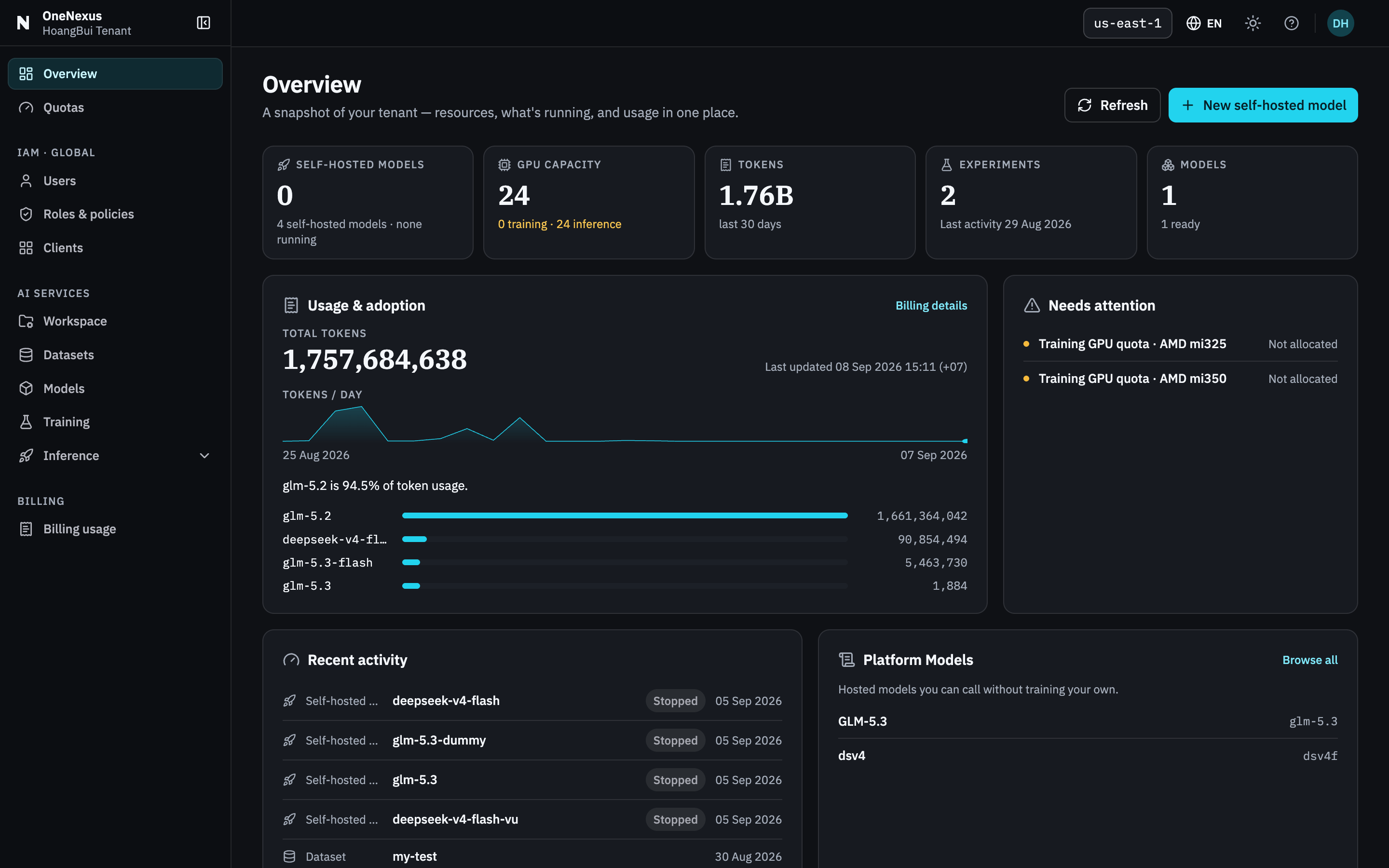
The region in the header is what scopes workspace and quota. Check it before anything else — the same tenant in another region has different capacity.
If workspace or quota is missing, use the action shown in the Console and complete the onboarding hand-off before continuing. Do not borrow another tenant’s workspace or key.
The first-deployment path
Section titled “The first-deployment path”Follow in order:
- Deploy your first model — choose a source, Served Model Name, Flavor, and replica count, then wait for
Running. - Call the endpoint — create an Inference key and verify a real response.
- Operate the model — scale, edit, observe, stop, restart, and clean up safely.
- Troubleshoot self-hosted models — diagnose provisioning and request failures without guessing.
The readiness gate is always the same: proceed to client integration only when the model is Running, the detail page shows an endpoint, and Copy as cURL contains a complete request.
Current boundaries
Section titled “Current boundaries”- Each self-hosted model serves the one model source selected at creation. Edit does not replace that binding; deploy another model to serve a different one.
- The Open model flow accepts a public Hugging Face repository; a private or gated repository is not part of this documented flow.
- The Console exposes explicit replica counts. Taking a model offline is an explicit Stop action; do not assume traffic-driven autoscaling or automatic scale-to-zero.
- Serving configuration and supported request options can differ by model recipe. Start with the generated cURL before adding optional request fields or runtime overrides.